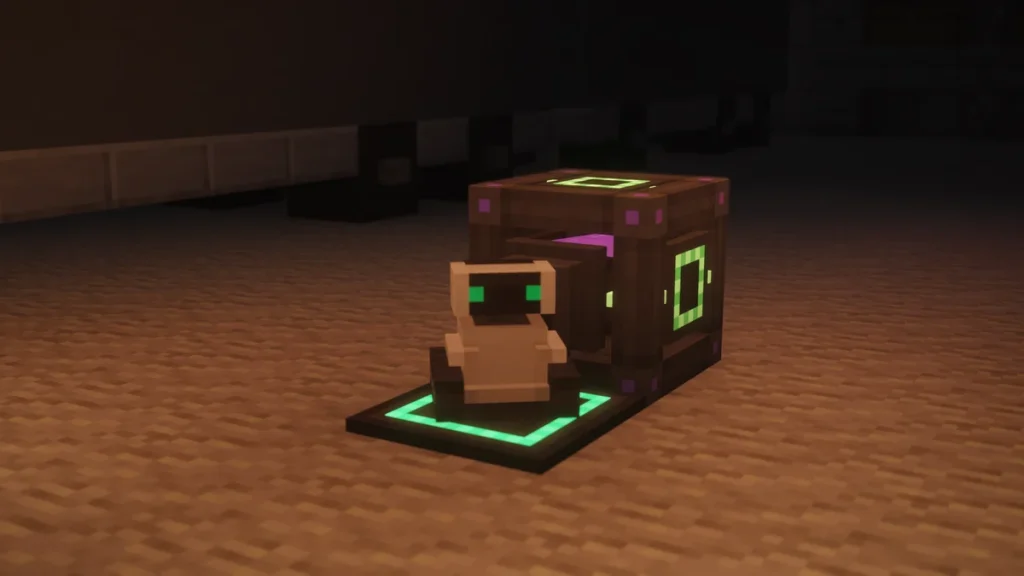
The  Robit is a small robot from Mekanism that follows you around, picks up dropped items, and carries a
  Crafting Table, a
  Furnace, an
  Anvil and a
  Chest‘s worth of storage with it. It can only be placed on a
  Chargepad, which is done by right-clicking the Chargepad with the Robit in your hand.
That Chargepad becomes its home, where it’ll go back to charge whenever its 40,000 FE (100,000 J) runs out. To pick a Robit up again, you’ll need to sneak and right-click it with a  Configurator, and it keeps everything that’s inside it. One is also used up in the recipe for the
  Digital Miner.
How to Get It
The Robit is crafted from a  Steel Ingot, 2
  Energy Tablets, an
  Atomic Alloy, 2
  Refined Obsidian Ingots and a
  Personal Chest, which can be swapped for a
  Personal Barrel. The Atomic Alloy is the part that’ll take the longest to reach.


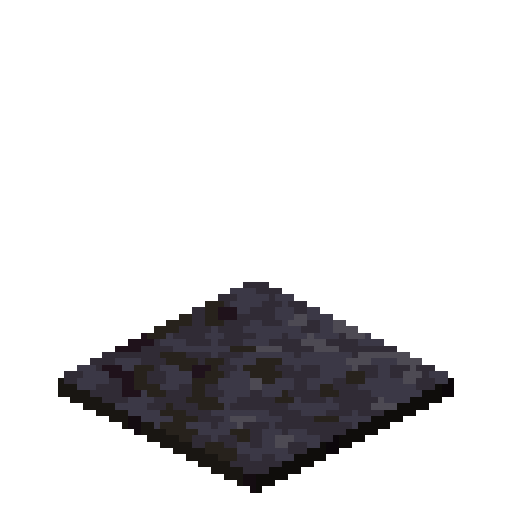


You’ll want to make a Chargepad at the same time, as the Robit can’t be placed without one. It’s a lot cheaper, at 3  Polished Blackstone Pressure Plates, 2 Steel Ingots and an Energy Tablet, and both recipes keep the energy that was stored in the tablets.
Players who are heading for a Digital Miner will need a Robit for its recipe, so the first one you craft might not be a pet for long. The alloy is covered under Alloys and Control Circuits, and the ingots under  Refined Obsidian.
How to Use It
Place the Chargepad on the ground first, then right-click it while holding the Robit, and it’ll appear on top. This only works on a Chargepad that isn’t in the middle of charging something, so step off it before you try. There’s no other way to place one, as right-clicking the ground does nothing.
Right-clicking the Robit opens its screen, which has a set of tabs for the different things it can do. The main tab is where you’re able to rename it, change its skin and send it home, and it’s also where its two modes are switched on and off. Follow mode makes it walk after you, and drop pickup makes it collect any items lying within a block or two.
| Tab | What It Does |
|---|---|
| Main | Rename, change skin, teleport home, toggle follow and drop pickup |
| Robit Inventory | 27 slots, the same as a Chest |
| Robit Crafting | A 3×3 crafting grid |
| Robit Smelting | Smelts one stack at a time, 5 seconds an item |
| Robit Repair | Works as an anvil |
The smelting tab uses any Furnace recipe and runs off the Robit’s own energy, at 20 FE a tick, so it’s twice as fast as a Furnace without needing fuel. Items that it picks up go into the inventory tab, and it’ll stop collecting when those 27 slots are full.
Following and going home
While it’s following, the Robit keeps within a couple of blocks of you, and it’ll teleport to you if you get 12 or more blocks ahead. It won’t come with you into another dimension though. Moving uses a little energy, and once it’s empty it teleports back to its Chargepad to charge, even from a different dimension.
You won’t be able to lose a Robit to mobs either, as it can’t be killed, and any damage it takes is paid for out of its energy instead, at 400 FE a point. If its home Chargepad gets broken though, it’ll drop as an item a moment later, with its inventory and energy still inside.
Picking it up
To move a Robit somewhere else, hold a Configurator, sneak, and right-click it. It turns back into an item that remembers its energy, its inventory, its name and its skin, so you’re able to carry a full one around and put it down on a different Chargepad.
The Chargepad
The Chargepad isn’t only for the Robit, as it’ll also charge the items you’re carrying when you stand on it. That covers anything that stores energy, like the  Atomic Disassembler,
  Free Runners, an Energy Tablet or the pieces of a MekaSuit, whether they’re worn, held or sitting in your inventory.
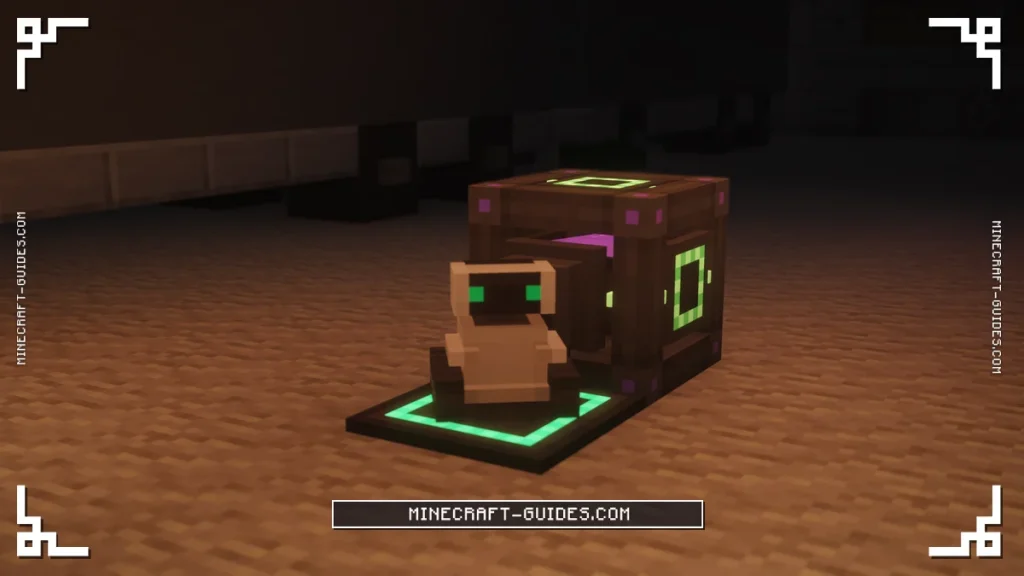
Power goes in through the back or the bottom of it, and it’s able to hold 819,200 FE and pass on up to 409,600 FE a tick. It only charges one item at a time though, and it’ll move on to the next when that one’s full, so a whole MekaSuit gets filled piece by piece.
A  Jetpack,
  Scuba Tank or
  Flamethrower runs on Hydrogen or Oxygen instead of energy, so standing on a Chargepad does nothing for them. Those are filled in the item slot of a Chemical Tank or an
  Electrolytic Separator.
Mobs and animals that walk over it aren’t charged or hurt, as it only works for players and Robits. If you’ve got the Curios mod installed, it’ll charge the items in those extra slots as well, once it’s finished with your normal inventory.
Robit Skins
The skin button on the main tab lets you change how the Robit looks. Besides the default, there’s an Allay Costume, which unlocks once you’ve earned the vanilla advancement You’ve Got a Friend in Me, by having an Allay bring an item to you.
There are 11 pride flag skins in the mod as well, and going by the files they don’t need anything to unlock. A Robit keeps its skin and its name when it’s picked up. For something to do with it next, the Digital Miner is the machine that needs one.
FAQ
You’ll place a Chargepad, then right-click it while holding the Robit to set it down. After that, right-clicking the Robit opens its screen, where it can be told to follow you and pick up items, and where its crafting, smelting, anvil and inventory tabs are.
A Robit can only be placed by right-clicking a Chargepad with it, so it won’t go down on the ground or any other block. It also fails while the Chargepad is busy charging something, like when you’re standing on it with an empty tool, so step off and try again.
Hold a Configurator, sneak, and right-click the Robit, and it’ll drop as an item. Nothing is lost when you do this, as it keeps its energy, the items in its inventory, its name and its skin, and it can be placed on any other Chargepad afterwards.
It charges by standing on a powered Chargepad, and it’ll teleport back to its home one by itself when it runs out of energy. There’s an energy slot on its screen as well, where an Energy Tablet or another charged item will top it up while it’s away from home.