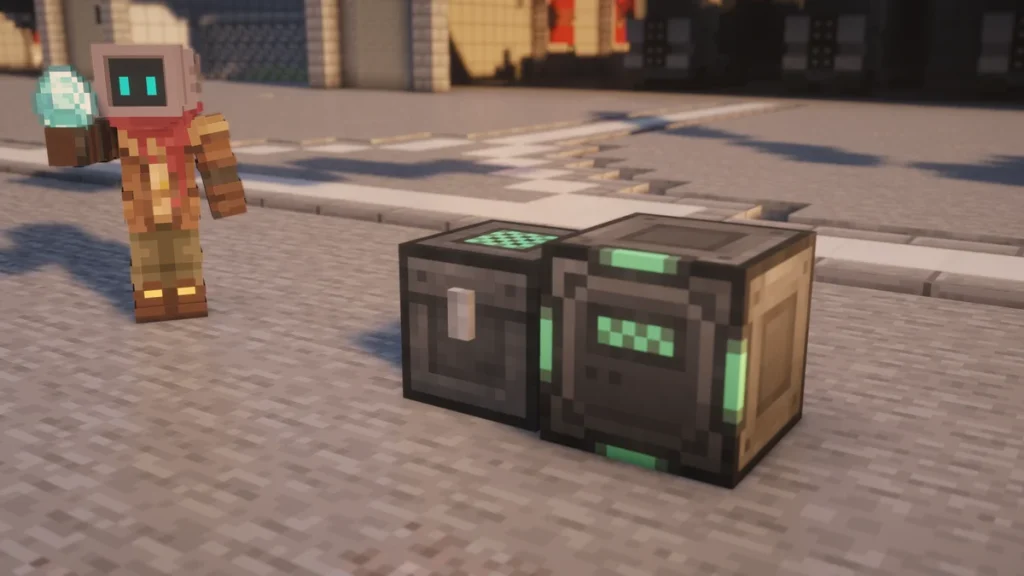
The Personal Chest and Personal Barrel are Mekanism storage blocks with 54 slots each, which is the same as a double  Chest in a single block. What sets them apart is that they can be opened while they’re still an item in your hand, so you’re able to carry one around as a backpack.
They belong to whoever claims them, and they can be set so that nobody else is able to open them. The Security Desk goes a step further, as it controls that setting for every Mekanism block and item you own from one place.
How to Make It
A  Personal Chest is crafted from five
  Steel Ingots, one
  Glass, two wooden Chests and a
  Basic Control Circuit. The
  Personal Barrel uses exactly the same recipe with two
  Barrels in place of the Chests.


The  Security Desk is a later craft, as it needs two
  Elite Control Circuits along with four Steel Ingots, one Glass, a
  Steel Casing and a
  Network Reader. The circuits are on the Alloys and Control Circuits page, and the desk stands two blocks tall, so leave a space above it.
How It Works
Opening It from Your Hand
Right-click with a Personal Chest or Personal Barrel in your hand while you’re not aiming at a block, and its inventory will open straight away. The first time you do this the item is claimed and a message tells you that you now own it, and the second click opens it.
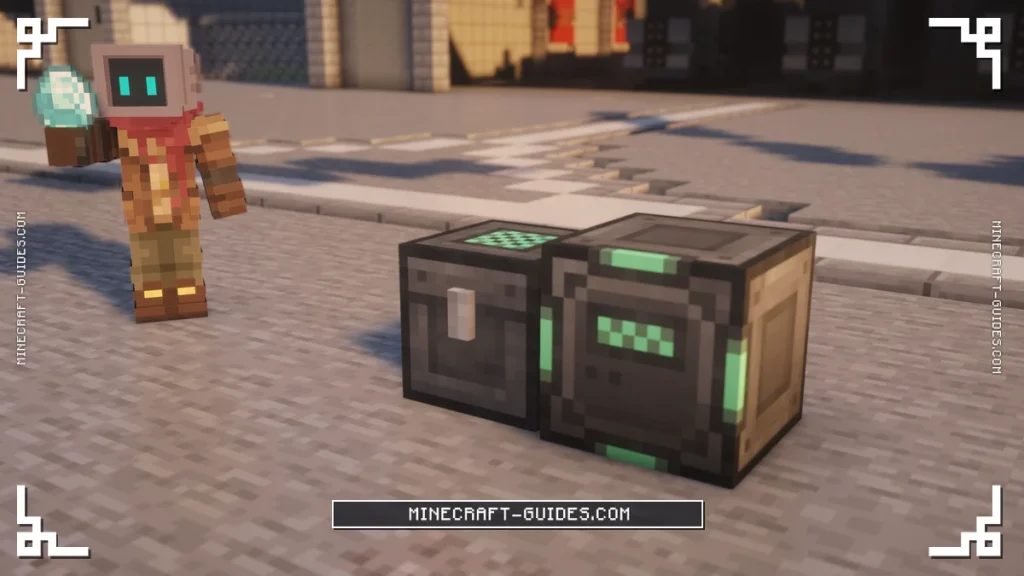
The contents stay with the item, so it can be placed, broken and picked up again without spilling anything. Placed down, it works like any other Chest with 54 slots, and both of them are blast-proof, so an explosion nearby won’t destroy what’s inside.
Chest or Barrel
As far as the code shows, the Chest and the Barrel only differ in how they look, so you can pick whichever suits your base. Either one will also do as the personal storage ingredient in other recipes, like the  Robit and the
  QIO Drive Array.
Security Modes
Every Mekanism block and item that has an owner also has a security mode, and it starts on Public. You’ll find the setting on the security tab in the block’s own screen, where it can be switched between the three modes.
| Mode | Who can open it |
|---|---|
| Public | Any player, and it’s the default |
| Private | Only the owner |
| Trusted | The owner and their trusted list at a Security Desk |
A Personal Chest set to Private is the simple way to keep your things safe on a server, as other players can’t open it or take from it by hand. A server is able to switch the whole system off in the config though, in which case everything behaves as Public.
Security Desk
The Security Desk is where you’ll manage the trusted list, by typing in a player’s name to add them. Anyone on that list is able to use all of your blocks and items that are set to Trusted, and removing a name takes that access away again.
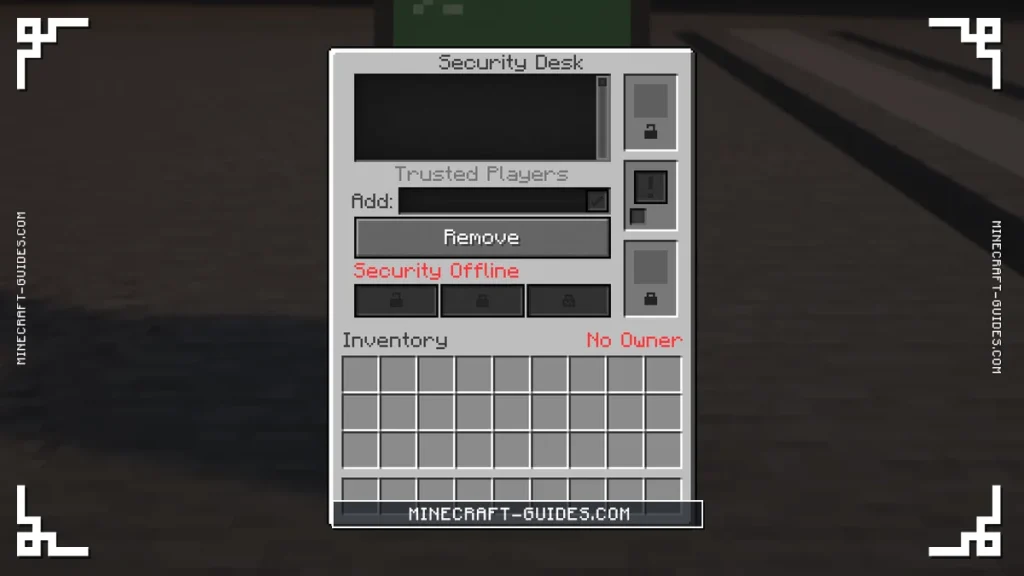
It also has a Security Override, which applies one mode to everything you own at once. The override only ever makes things stricter, so turning it on with Private will lock down your Public and Trusted blocks, but an override of Public won’t open up anything you’ve set to Private.
There are two item slots in the desk as well. One of them locks an item to you and gives it the desk’s current mode, while the other unlocks one of your own items, which clears its owner and sets it back to Public so that you’re able to hand it to someone else.
Upgrades and Automation
None of the three use energy or take upgrades. A placed Personal Chest can be filled and emptied by a Logistical Transporter line like a normal Chest, but only while it’s set to Public. Once it’s on Private or Trusted, pipes and  Hoppers are locked out along with other players, so you’ll have to choose between automating it and protecting it.
If 54 slots stops being enough, the next step in Mekanism storage is digital. The QIO Storage System holds thousands of item types on drives, and it’s able to be opened from anywhere with a portable dashboard.
FAQ
They both have 54 slots, both keep their items when they’re picked up and both can be opened from your hand. The only difference we can find is the look and the recipe, as the Personal Chest uses two Chests and the Personal Barrel uses two Barrels.
Hold it in your hand and right-click while you’re not pointing at a block, as pointing at one will place it instead. The first click claims the Chest as yours, and after that every right-click opens its 54 slots.
The Security Desk holds your list of trusted players and lets you override the security mode of everything you own in one go. It’s also able to lock an item to you or unlock one of yours, like before you give a Personal Chest away to another player.
Pipes, Hoppers and transporters are only able to use a Personal Chest or Personal Barrel while it’s set to Public. On Private or Trusted they’re locked out completely, so a protected Chest has to be filled and emptied by hand.