
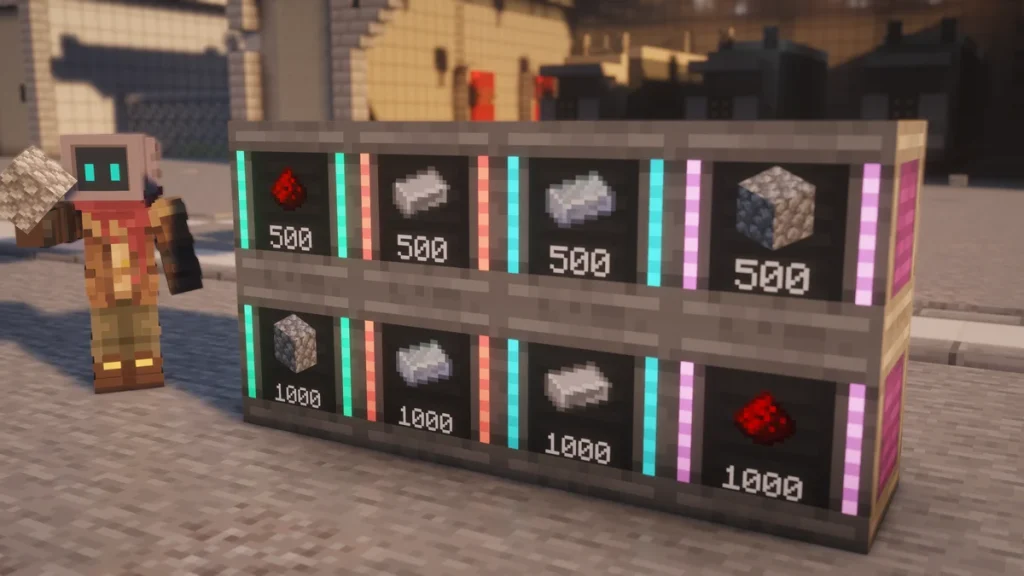
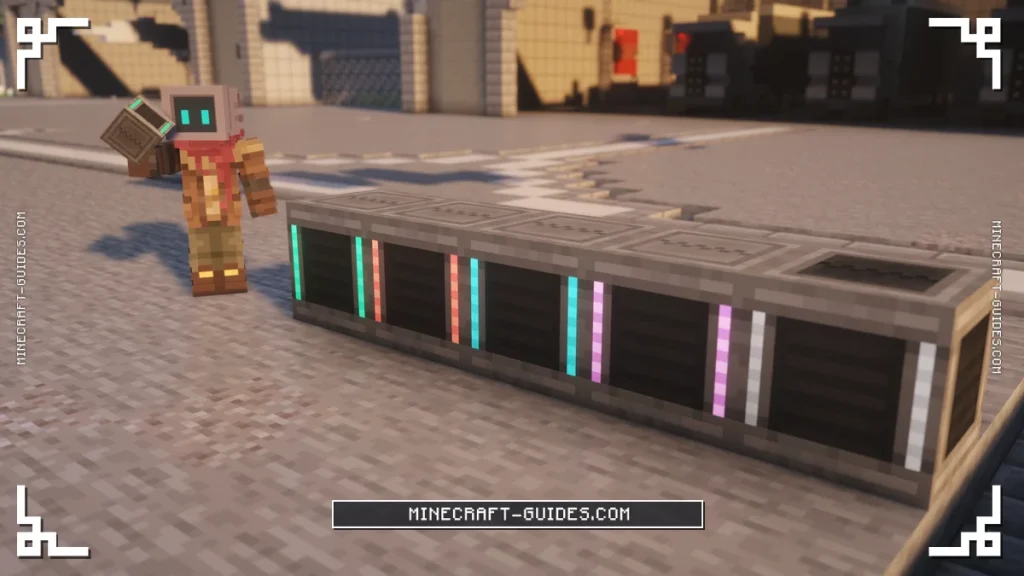
The Bin is a Mekanism storage block that holds a very large amount of one type of item, from 4,096 in a Basic Bin up to 262,144 in an Ultimate one. It works a lot like a storage drawer, as you’ll click items in and out on its front face, and it keeps everything inside when it’s broken.
A Basic Bin is cheap enough to make in your first hour, as it only needs  Cobblestone, two
  Redstone Dust and a
  Basic Control Circuit. They’re useful for the items that pile up quickly, like Cobblestone from a
  Digital Miner or the dusts from an ore line.
How to Make It
A  Basic Bin is crafted from five Cobblestone, two Redstone Dust and one Basic Control Circuit. Other stone that’s used for vanilla stone tools, like
  Blackstone or
  Cobbled Deepslate, will work in place of the Cobblestone as well.


Each higher tier takes five more Cobblestone, two of that tier’s alloy, the matching Control Circuit and the Bin from the tier below, and the items inside are carried over. A placed Bin can be upgraded with a Tier Installer instead, which is on the Factories and Tier Installers page. The  Creative Bin has no recipe, as it never runs out.
How It Works
Adding and Taking Items
Everything is done on the front of the Bin, which is the face that shows the item and how many are stored. Right-click it with a stack to put that stack in, and if you right-click again straight away, every matching stack in your inventory will go in as well.
To take items out, left-click the front for a single item or sneak and left-click for a whole stack. A Bin only ever holds one type of item, so it’ll refuse anything else until it’s been emptied, and the count on the front is in items rather than stacks.
| Action on the Front Face | What Happens |
|---|---|
| Right-click with an item | Inserts the stack you are holding |
| Right-click twice quickly | Inserts every matching stack you are carrying |
| Left-click | Takes out 1 item |
| Sneak + left-click | Takes out a full stack |
| Sneak + right-click, empty hand | Locks or unlocks the Bin |
| Sneak + right-click with a Configurator | Toggles auto-eject into the block below |
All of these only work on the front of the Bin, so clicking its sides or its top with an item won’t store anything. If a Bin seems to be ignoring you, walk round to the face that shows the item count and try it again from there.
Using a Bin in a Crafting Grid
You’re also able to move items in and out of a Bin that’s in your inventory, by placing it in a crafting grid. Putting it in the grid on its own will take a stack out, whereas adding a stack of the right item next to it will put those items in.
Tiers
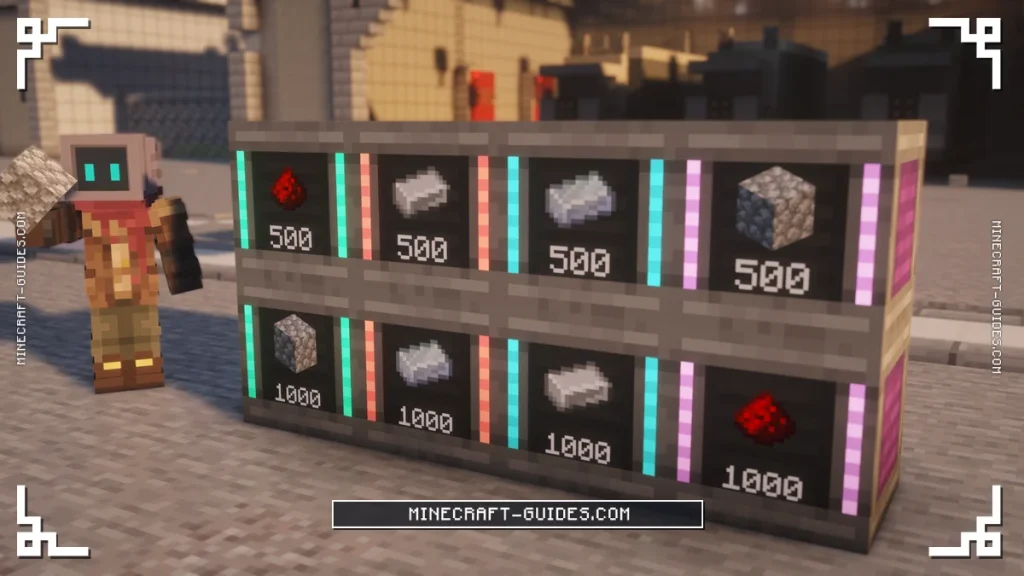
The jump between tiers isn’t even, as an Advanced Bin only doubles the Basic one, but the  Ultimate Bin holds eight times as much as the Elite. In stacks of 64, that’s 64 stacks in a Basic Bin and 4,096 stacks in an Ultimate one.
| Tier | Items | Stacks of 64 |
|---|---|---|
| Basic | 4,096 | 64 |
| Advanced | 8,192 | 128 |
| Elite | 32,768 | 512 |
| Ultimate | 262,144 | 4,096 |
| Creative | Infinite | Infinite |
Items that stack to 16 or don’t stack at all will take up the same room as anything else, as the limit is a plain count of items. That makes even a Basic Bin a good place for things like  Ender Pearls or
  Buckets, which fill a
  Chest very quickly.
Locking a Bin
Sneak and right-click the front with an empty hand to lock a Bin to the item it’s holding. A locked Bin stays reserved for that item even when the last one is taken out, so nothing else will be able to take its place while it’s empty.
This matters most when a Bin is being filled by pipes, as an unlocked Bin that runs empty will accept whatever arrives next. A Bin has to have at least one item in it before it can be locked, and the item’s tooltip will show what it’s locked to.
Upgrades and Automation
Bins don’t use energy and they don’t take upgrades, and they have no redstone or security settings either. The one setting they do have is auto-eject, which is toggled by sneaking and right-clicking the Bin with a  Configurator.
An active Bin pushes a stack into the inventory directly below it about twice a second, so one sat on top of a machine or a Chest will keep it topped up. A Logistical Transporter is able to fill a Bin and pull from it like any other inventory.
A Bin is the right choice for one item in bulk, whereas mixed storage needs something with slots. For that there’s the  Personal Chest, which is covered on the Personal Chest, Personal Barrel and Security Desk page.
FAQ
Right-click the front of the Bin with a stack to store it, and right-click a second time quickly to add every matching stack you’re carrying. Left-click takes one item back out, or a whole stack if you sneak, and all of it only works on the front face.
A Basic Bin holds 4,096 items, an Advanced Bin 8,192, an Elite Bin 32,768 and an Ultimate Bin 262,144. It’s only ever one type of item at a time though, so you’ll need a separate Bin for each thing you want to store.
Sneak and right-click the front of the Bin with an empty hand, while it has at least one item inside. It’ll stay reserved for that item even when it’s empty, which stops pipes from filling it with something else, and doing the same again will unlock it.
A Bin keeps everything inside when it’s broken, so it can be picked up and moved with thousands of items still in it. The same goes for upgrading, as crafting it into the next tier or using a Tier Installer carries the contents over to the bigger Bin.


