




Minecraft Seed Map & Seed Finder
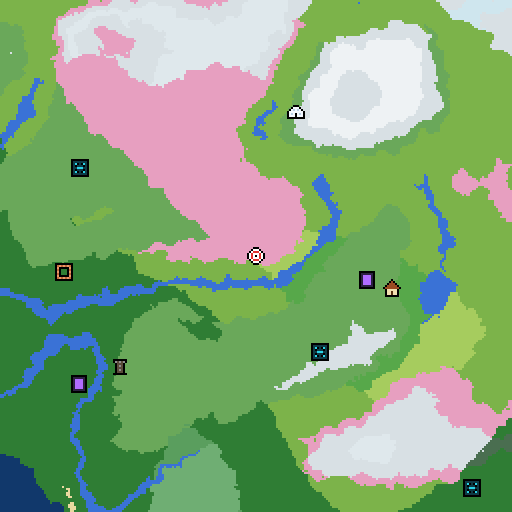
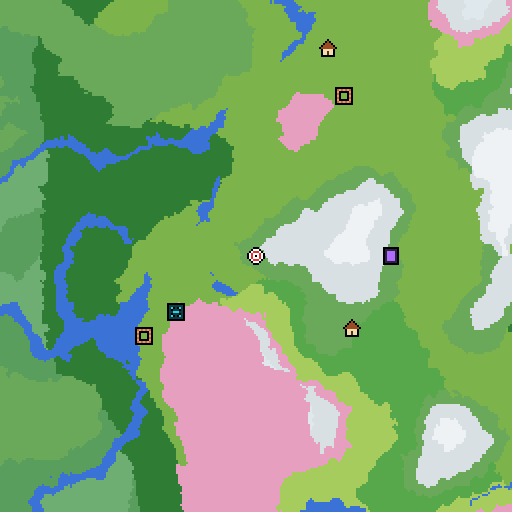
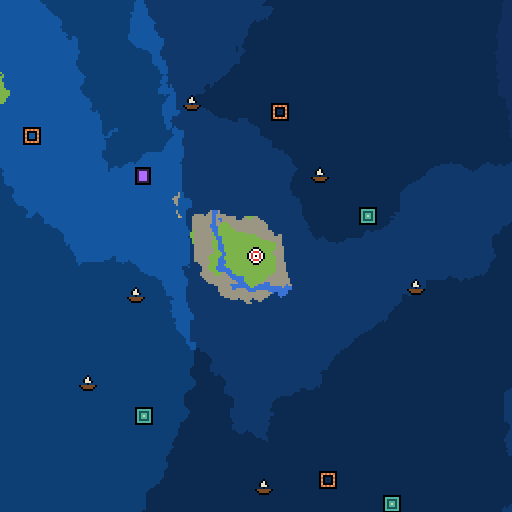
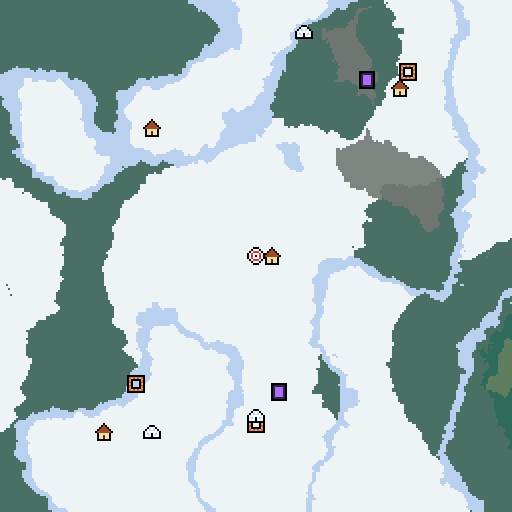
Explore any Minecraft Java Edition seed: biomes, caves, villages, temples, trial chambers, strongholds, Nether fortresses and End cities. Type a seed (or any word) and the map is generated right here in your browser.
- Java 1.18 to 1.21
- Caves and any height
- Nether and End
- Slime chunks
Maps are generated in your browser with cubiomes (MIT, © Cubitect). Java Edition only.
How to use the seed map
- Drag to move, scroll or pinch to zoom, and double-click to zoom in. Arrow keys and + / − work too.
- Hover the map for the X / Z coordinates and the biome under your cursor. Click a structure to copy a /tp command to it.
- Use Find nearest to jump to the closest biome or structure, such as a Woodland Mansion, Stronghold or Deep Dark.
- Slide Height down to see cave biomes like Lush Caves, Dripstone Caves and the Deep Dark.
- Pick a biome under Highlight to fade out everything else, great for spotting every Cherry Grove at a glance.
- Turn on Slime chunks or the Grid, and switch to the Nether or The End for fortresses, bastions and End cities.
- The page address updates as you explore, so you can copy it to share the exact spot and settings.
- Save the current view as an image, or go fullscreen for a bigger map.
Frequently asked questions
How do I find my Minecraft seed?
In Java Edition, type /seed in chat. It works in single player even with cheats off; on a server you need operator permission. In Bedrock Edition, open the world settings and the seed is shown under the world options. Full guide: how to find your seed.
Is the seed map accurate?
The map uses cubiomes, an open-source recreation of Minecraft's Java world generation. We checked it against Mojang's own server: biomes, villages, ruined portals, trial chambers, temples, igloos, shipwrecks, outposts, ancient cities, Nether fortresses, bastions and End cities land exactly where the game puts them.
Which versions does it support?
Java Edition 1.18 to 1.21, including the 26.x releases, which generate the same worlds as 1.21.4. Pick the version above the map.
Does it work for Bedrock seeds?
The biomes are the same on Bedrock for the same seed, so the biome map is right. Structures are placed differently on Bedrock, so the structure markers show Java positions. Our Bedrock seed pages list Bedrock coordinates checked on the real Bedrock server.
Can I see cave biomes?
Yes. Slide Height down to see Lush Caves, Dripstone Caves and the Deep Dark at that level, or pick one of them under Find nearest.
Want a head start? Browse our best Minecraft seeds for Java and Bedrock, each one checked on the real game.