



How to Find Your Minecraft Seed (Java, Bedrock, Server & Realm)
Your Minecraft seed is the number your world was built from. Here is how to find it on Java, Bedrock, a server or a Realm in under a minute, and what you can do with it once you have it.
Quick answer
| Where you play | How to find the seed |
|---|---|
| Java, single player | Type /seed in chat. Works even with cheats off. |
| Java server | Type /seed as an operator, or seed in the server console. |
| Realm | The owner downloads the world and checks it in single player. |
| Bedrock | Settings, then Game: the seed is in the World section. |
What is a Minecraft seed?
A seed is the number Minecraft uses to generate a world. The same seed on the same version always creates the same terrain, biomes, villages and structures.
That is why seeds are worth finding: share yours and a friend gets the same world, or paste it into a seed map to see every biome and structure around you before you explore. Seeds can be negative and up to 19 digits long, and any text typed into the seed box is turned into a number.
How to find the seed in Minecraft Java
- Load your world and press T to open chat.
- Type
/seedand press Enter. - Chat shows Seed: [number]. Click the green number to copy it.
Seed: [4655669084225242135]
/seed
/seed. Click the green number to copy it.You do not need cheats turned on: /seed always works in your own single player worlds, and the copied number pastes straight into our tools.
How to find the seed of a Minecraft server
On a server, /seed needs operator permission. If you run the server, pick whichever is easiest:
- Type
seed(no slash) in the server console. - Make yourself an operator with
op YourNamein the console, then type/seedin game. - Look for
level-seedin server.properties. It only shows a seed if one was typed in when the world was made; if it is blank, the world got a random seed and you need one of the options above.
[12:04:31] [Server thread/INFO]: Done (3.2s)! For help, type "help"
> seed
[12:04:36] [Server thread/INFO]: Seed: [4655669084225242135]
seed without a slash in the console.Playing on someone else’s server without operator permission? Ask an admin. Many servers keep the seed private on purpose, because a seed map shows where the loot and the best spots are.
How to find the seed of a Minecraft Realm
Realms do not let players run /seed, so the Realm owner has to get it from a copy of the world:
- On Java, open Realms, choose Configure, then World backups and Download latest. On Bedrock, open the Realm settings and download the world.
- Open the downloaded copy in single player.
- Type
/seedon Java, or check the world settings on Bedrock.
How to find the seed in Minecraft Bedrock
Bedrock Edition has no /seed command. The seed is shown in the world settings instead:
- Pause the game and open Settings, or press the pencil icon next to the world in your world list.
- Open the Game tab.
- Scroll down to the World section: the seed is listed under Seed.
Bedrock and Java use the same seed for the same biomes and terrain, but villages, temples and other structures are placed differently, so check coordinates for your own edition. Our Bedrock seed pages list coordinates checked on a real Bedrock server.
Can you find a server’s seed without /seed?
Sometimes. Seed-cracking mods for Java Edition, such as SeedcrackerX, watch the structures and terrain you walk past and work out which seed would create them. It can take a while and does not always succeed.
Most servers treat this like any other cheat, so read the rules before trying it. If you are the owner, the console method above is instant.
What to do with your seed
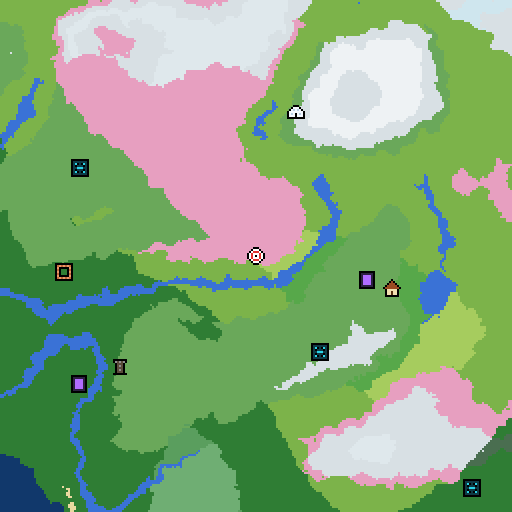
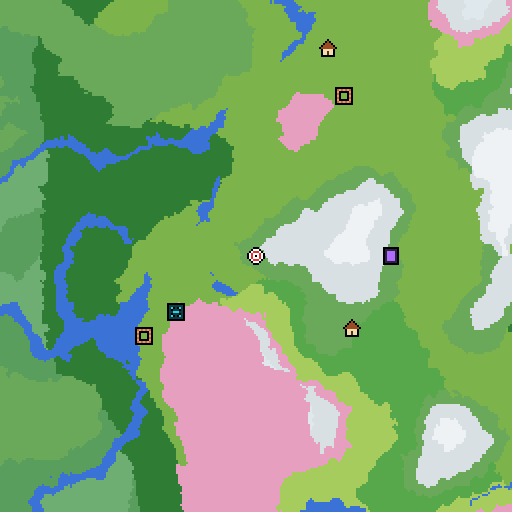
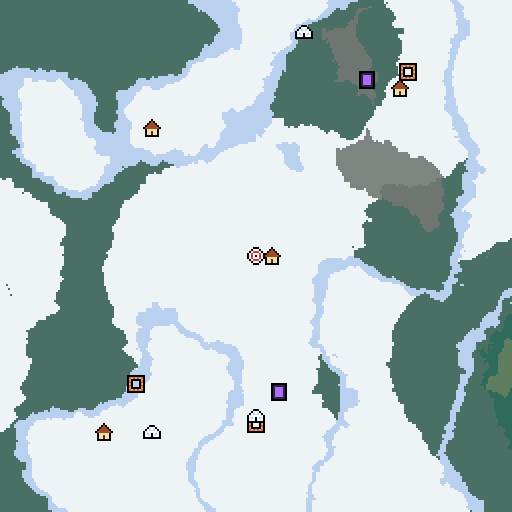
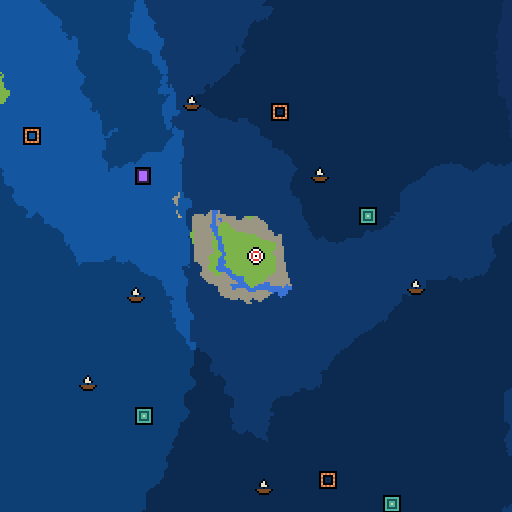
- See every biome and structure around you on the Seed Map.
- Jump to the nearest village, biome, Nether fortress or End city.
- Plan a slime farm with the Slime Chunk Finder (Java Edition).
- Starting fresh? Browse our best Minecraft seeds, each one checked on the real game.
Frequently asked questions
What is a seed in Minecraft?
A seed is the number Minecraft uses to generate a world. The same seed on the same version always gives the same terrain, biomes and structures, which is why you can share a seed and a friend gets the same world.
Can I find the seed without cheats?
Yes in Java single player: /seed works even when cheats are off. On Bedrock you do not need a command at all, the seed is shown in the world settings.
Can I change the seed of an existing world?
No. The seed is set when the world is created. To play a different seed, create a new world and paste the seed in before you create it.
Can I find a server's seed without being an operator?
Only if the server shares it. /seed needs operator permission on a server, so ask an admin. Mods that work a seed out from the structures you have seen exist, but many servers ban them, so check the rules first.
Does a world's seed ever change?
No. The seed is fixed when the world is created. Updating Minecraft can change what generates in new chunks, but the seed stays the same.
Do Java seeds work on Bedrock?
Partly. The same seed number gives the same biomes and terrain on both editions, but villages, temples and other structures are placed differently. Our seed pages list coordinates for each edition.
Can I find the seed from a screenshot or a world download?
From a world download, yes: open it in single player and type /seed. From a screenshot, not directly.