



All Minecraft seeds
Best Minecraft 1.21 Seeds (Java)
Hand-checked seeds for Minecraft Java 1.21 and newer, sorted by what you want from a world. Every seed and coordinate was checked on Mojang’s own server, so villages, portals and biomes are exactly where we say they are.
Pick your kind of world
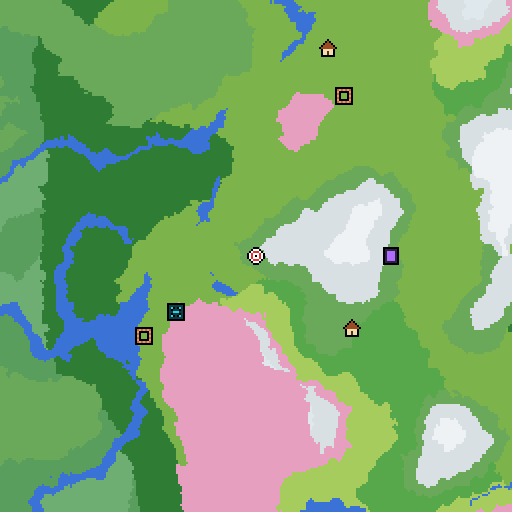
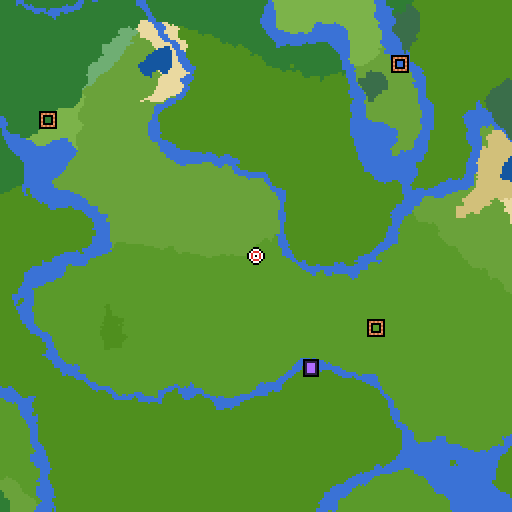
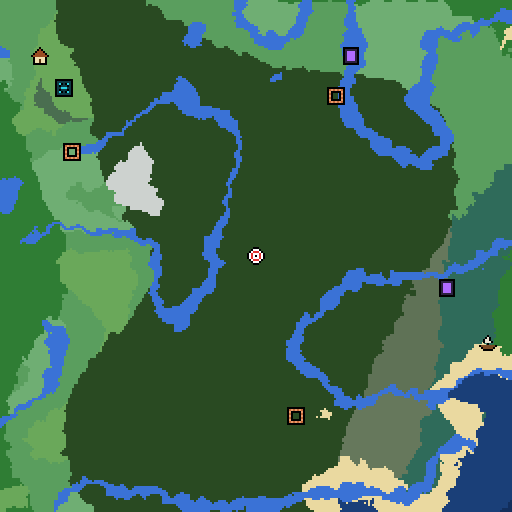
 Best 1.21 Survival Seeds A village and a ruined portal within walking distance, and seven or more biomes close by. See the seeds
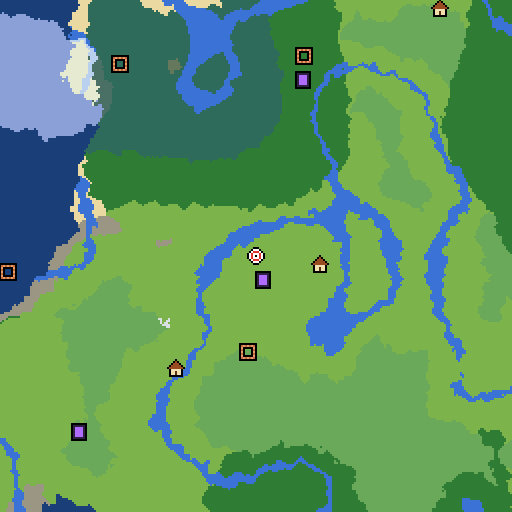
 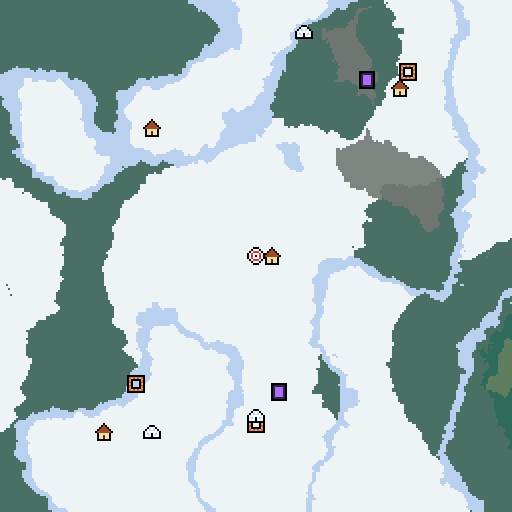 Best 1.21 Village Seeds Spawn right next to a village, with more villages nearby for trading on day one. See the seeds
 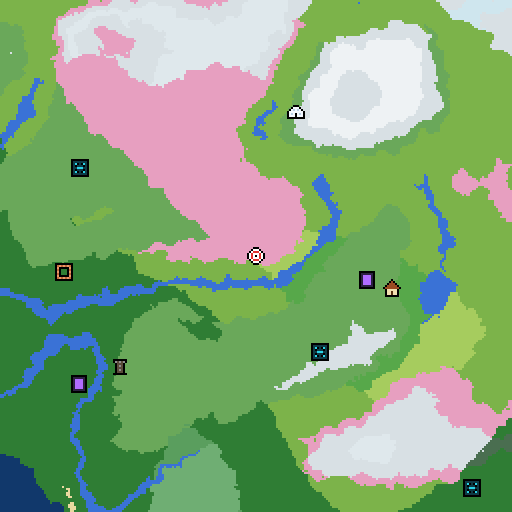 Best 1.21 Cherry Blossom Seeds A Cherry Grove close to spawn for pink-wood builds, with villages in reach. See the seeds
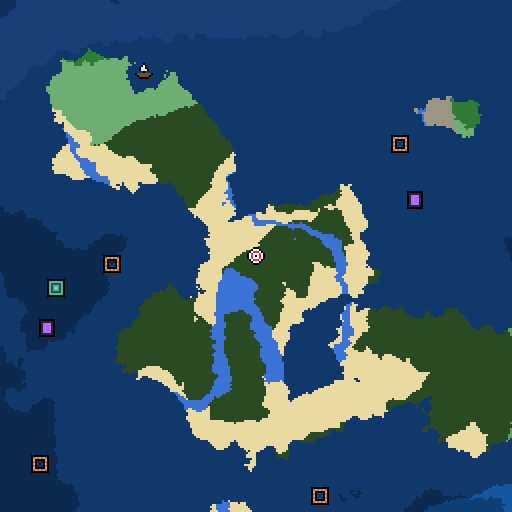
 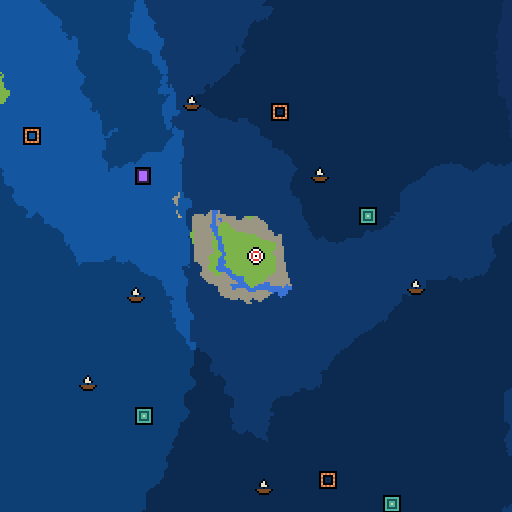 Best 1.21 Survival Island Seeds Stranded on a tiny island with open ocean on every side. The classic challenge. See the seeds
 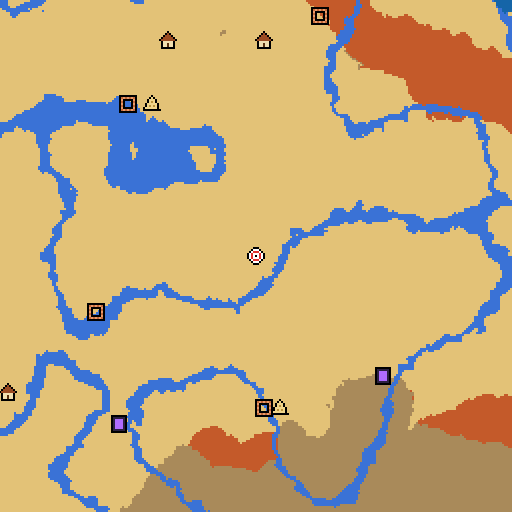 Best 1.21 Building Seeds Wide, flat land around spawn with room for big builds, and a village for early supplies. See the seeds
 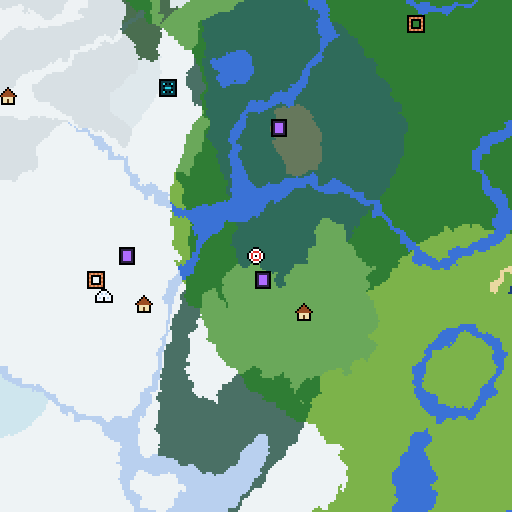 Best 1.21 Speedrun Seeds Ruined portal and village by spawn, a fortress and bastion by the Nether exit, and a close stronghold. See the seeds
 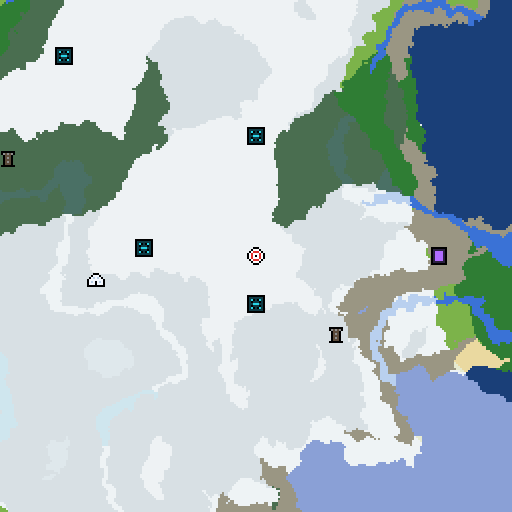 Best 1.21 Mountain Seeds Huge peaks close to spawn for mountain bases and the best views in the game. See the seeds
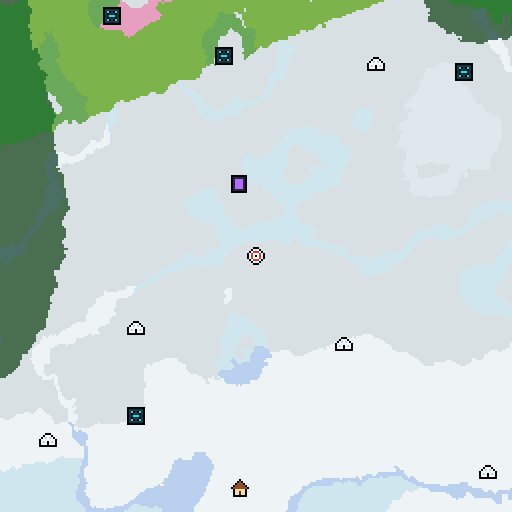
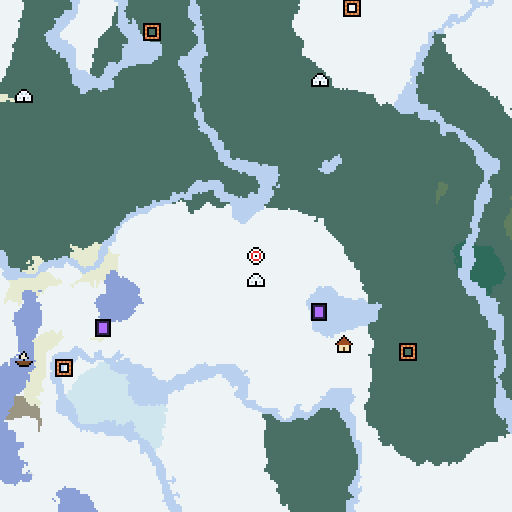
 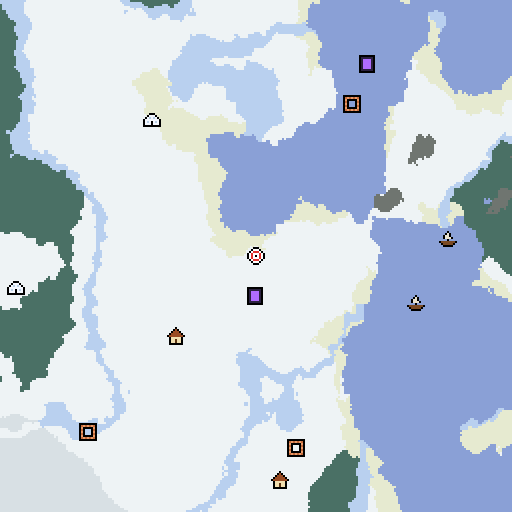 Best 1.21 Snow Seeds Snowy plains, taiga and Ice Spikes all around spawn, with igloos and snowy villages. See the seeds
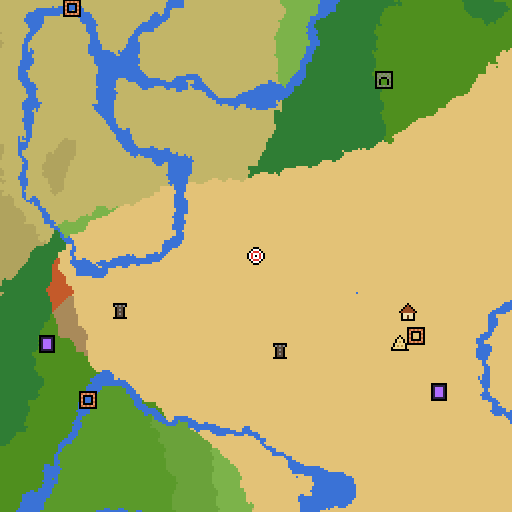
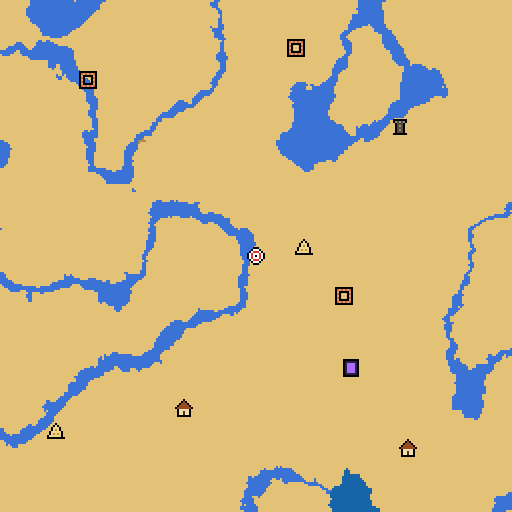
 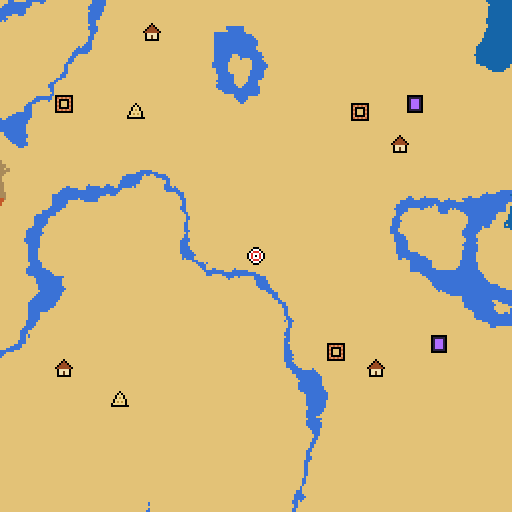 Best 1.21 Desert Seeds Endless sand around spawn, with desert villages and pyramids to raid. See the seeds
 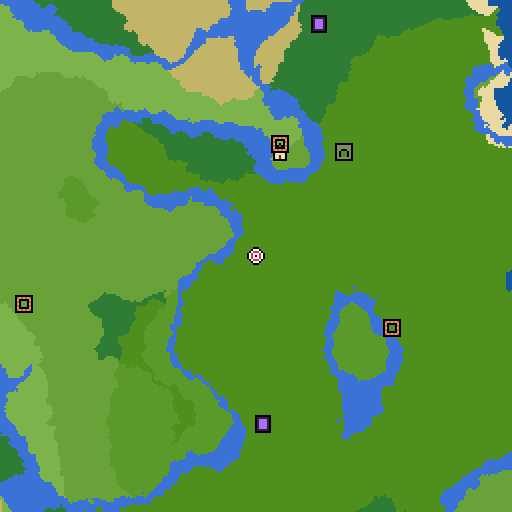 Best 1.21 Jungle Seeds Dense jungle and bamboo right at spawn, with jungle temples nearby. See the seeds
 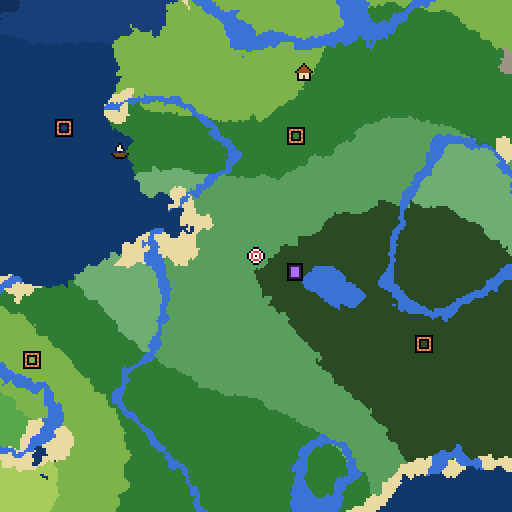 Best 1.21 Mansion Seeds A woodland mansion within walking distance of spawn, no long trip needed. See the seeds
 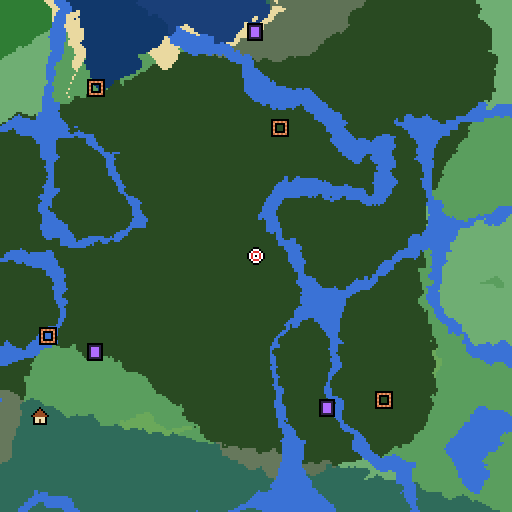 Best 1.21 Caves Seeds Lush Caves and Dripstone Caves right under spawn, with the Deep Dark below. See the seeds
 Free tool
Explore any seed on the map
Type in any seed and see its biomes and structures right in your browser, for Java 1.18 to 1.21.
 Villages, temples, trial chambers and more
 Find the nearest stronghold or mansion
 Search for any biome near you
 Nether and End maps, slime chunks and a grid

How to use a Minecraft seed
- Click Copy seed on the seed you want.
- In Minecraft Java Edition, choose Singleplayer, then Create New World.
- Open the World tab, paste the number into Seed for the World Generator and create the world.
- Use the coordinates in each list with the F3 screen to find villages, portals and other features.
These seeds are for Java Edition 1.21 and newer, including 26.1 to 26.3, which generate the same worlds. Every coordinate was checked on Mojang’s own server. Switch any card to Bedrock for the Bedrock coordinates.