
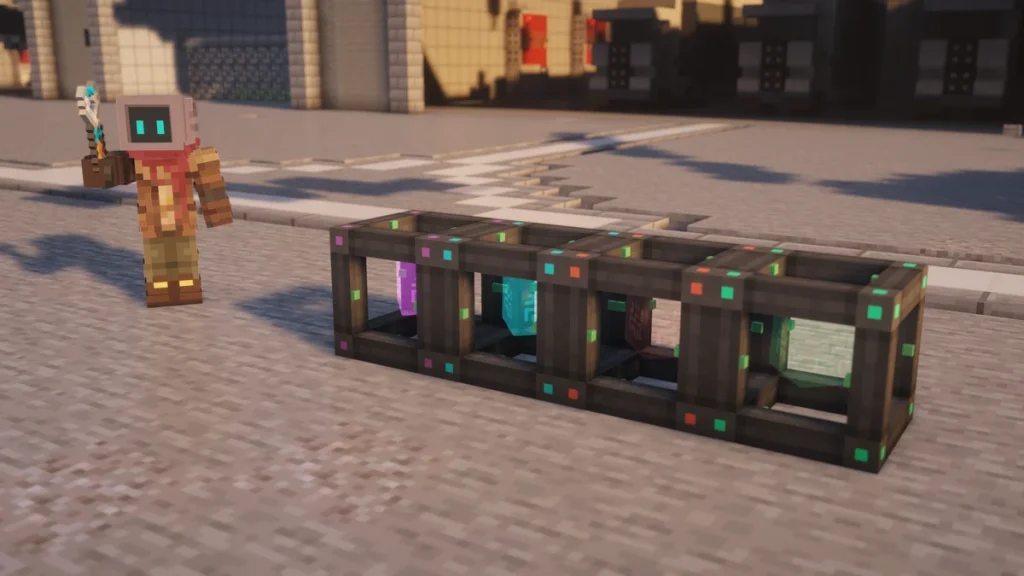
The Energy Cube is Mekanism’s battery, which is a single block that stores power and passes it on to whatever is touching its output side. There are 4 tiers that you’re able to craft, going from 1.6 million FE in a  Basic Energy Cube up to 102.4 million FE in an
  Ultimate Energy Cube.
You’ll want one early on, as generators like the  Heat Generator make a small trickle of power and machines draw it in bursts. A cube sat between them will fill up while nothing is running, and it’ll also charge tools like the
  Atomic Disassembler in its own slot.
How to Make It
A Basic Energy Cube is crafted with a  Steel Casing in the middle, an
  Energy Tablet above and below it, an
  Iron Ingot on each side and
  Redstone Dust in the 4 corners. The Energy Tablets need Infused Alloy, so you’ll have a
  Metallurgic Infuser running before the first cube.


Every tier after that is made by putting the cube below it in the middle of the same recipe, with 2 more Energy Tablets and a new set of materials. The Advanced one uses  Infused Alloy and
  Osmium Ingots, the Elite uses
  Reinforced Alloy and
  Gold Ingots, and the Ultimate uses
  Atomic Alloy and
  Diamonds.
Any power that’s stored in the old cube will be carried over into the new one when it’s crafted, so there’s no need to drain it first. If the cube is already placed, the next tier’s Tier Installer will upgrade it where it stands and keep its charge and settings, which the Factories and Tier Installers page covers.
How It Works
When you place an Energy Cube, its front will be set to output and the other 5 sides will be inputs, and you’re able to place it facing up or down as well. It’ll push power out of the front by itself, into a machine or a Universal Cable, so you don’t have to turn anything on for it to start working.
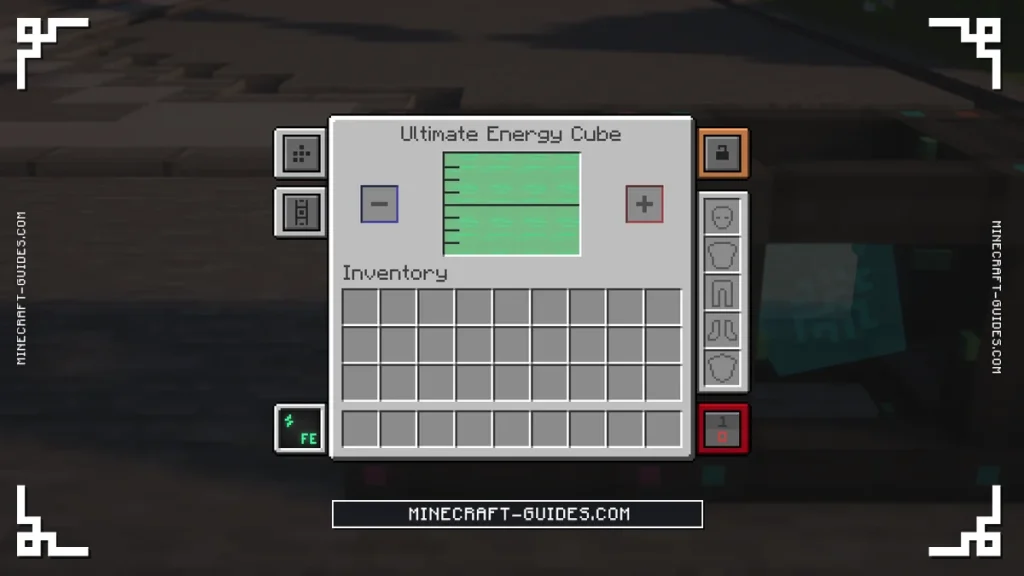
Any side can be changed in the Side Configuration tab of its screen, or by sneaking and right-clicking the side with a  Configurator. This is how you’d set up a cube with more than one output, or turn every side into an input so it only gives power through its charging slot.
Charging Items
There are 2 item slots in the screen. The one marked with a plus will charge whatever you put in it from the cube, like an Atomic Disassembler, a pair of  Free Runners or an Energy Tablet. Whereas the one marked with a minus does the opposite, as it’ll empty a charged item into the cube, which is handy for carrying power around in tablets.
An Energy Cube holds on to its power as an item, so it’s able to be used as a portable battery. To pick one up, set a Configurator to Wrench mode and sneak and right-click the cube, which will drop it with its charge and side settings still on it.
The fill level is shown on the block itself, and a Comparator beside it will give a stronger signal the fuller it gets. It also has the normal redstone control modes in its screen, so you’re able to stop a cube from giving out power while it has a signal, or only let it work when it has one.
Tiers
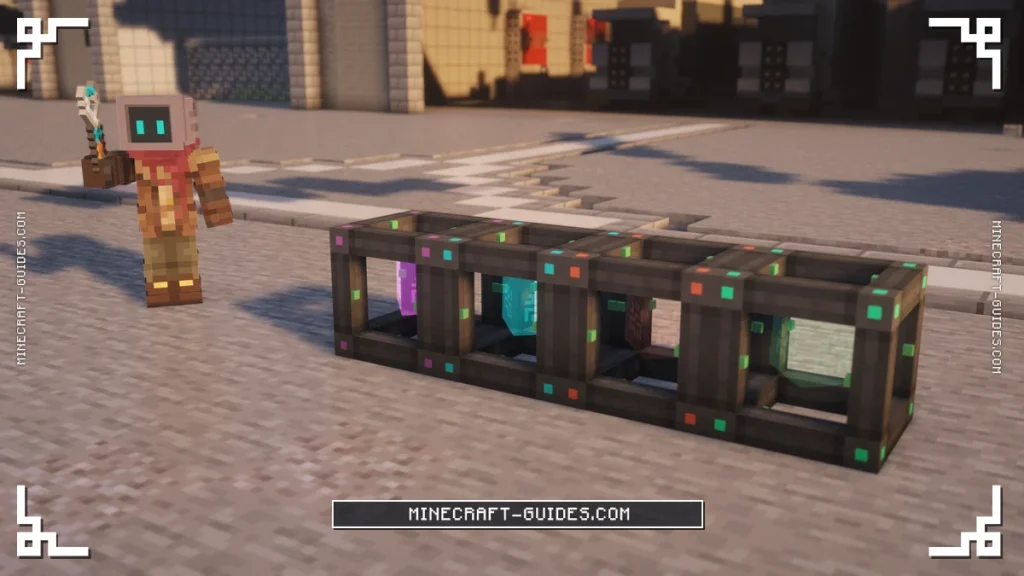
Each tier holds 4 times as much as the one below it and gives it out 4 times as fast. The output is how much power a cube will push out of its output sides each tick, so a Basic cube isn’t able to run a machine that draws more than 1,600 FE/t by itself, no matter how full it is.
| Tier | Capacity | Output | Crafted With |
|---|---|---|---|
| Basic Energy Cube | 1,600,000 FE | 1,600 FE/t | Redstone Dust, Iron Ingots, Steel Casing |
| Advanced Energy Cube | 6,400,000 FE | 6,400 FE/t | Infused Alloy, Osmium Ingots, Basic cube |
| Elite Energy Cube | 25,600,000 FE | 25,600 FE/t | Reinforced Alloy, Gold Ingots, Advanced cube |
| Ultimate Energy Cube | 102,400,000 FE | 102,400 FE/t | Atomic Alloy, Diamonds, Elite cube |
Older guides list these as 4 million up to 256 million, which is the same amount measured in Joules, as 1 FE is 2.5 J and the screen shows FE. There’s a Creative Energy Cube too, which never runs out, but it can only be taken from the creative menu.
Upgrades and Automation
Energy Cubes don’t take any upgrades, so Speed and  Energy Upgrades can’t be put in them, and going up a tier is the only way to improve one. You’re able to chain them though, by pointing the output of one cube into the input of the next, which adds their storage together but keeps the output of the last cube in the line.
A common setup is to run the generators into a cube and then take a cable from its front to the machines, which keeps the two sides apart. Just remember that every side apart from the front will accept power, so a cable that touches both the front and another side will feed the cube back into itself. From here, the Induction Matrix is the next step up for storage.
FAQ
A Basic Energy Cube holds 1.6 million FE, and each tier after it holds 4 times more, so the Advanced is 6.4 million, the Elite is 25.6 million and the Ultimate is 102.4 million FE. In Joules that’s 4, 16, 64 and 256 million, which is how older versions showed it.
The front is the output when it’s first placed, and the other 5 sides are inputs. You’re able to change any of them in the Side Configuration tab, or by sneaking and right-clicking a side with a Configurator.
Put the cube in the middle of the next tier’s recipe, with 2 Energy Tablets and that tier’s alloy and metal, and its stored power will carry over. If it’s already placed, right-clicking it with the next tier’s Tier Installer will upgrade it without breaking it, like an  Advanced Tier Installer on a Basic cube.
They do, as a cube that’s mined or picked up with a Configurator in Wrench mode drops as an item with its power and settings saved on it. That’s also why a full cube can be carried to another base and placed down as a ready battery.


