




Minecraft Biome Finder
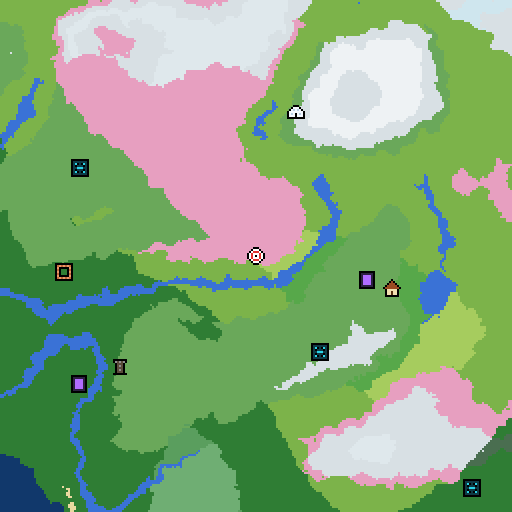
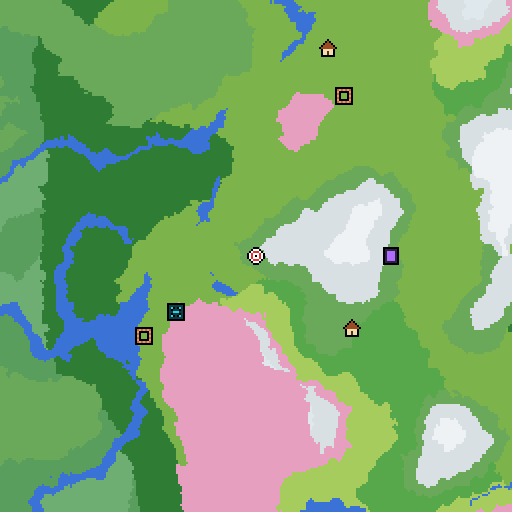
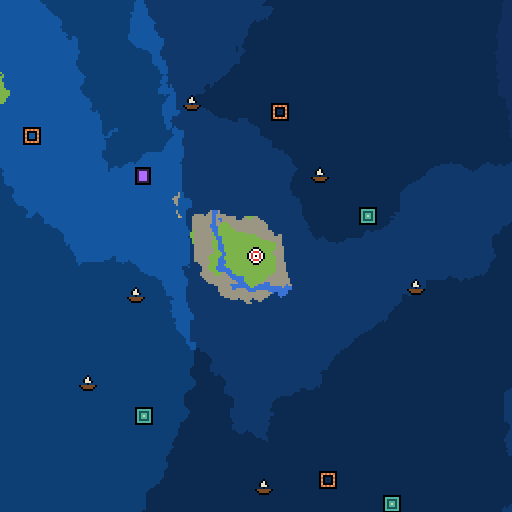
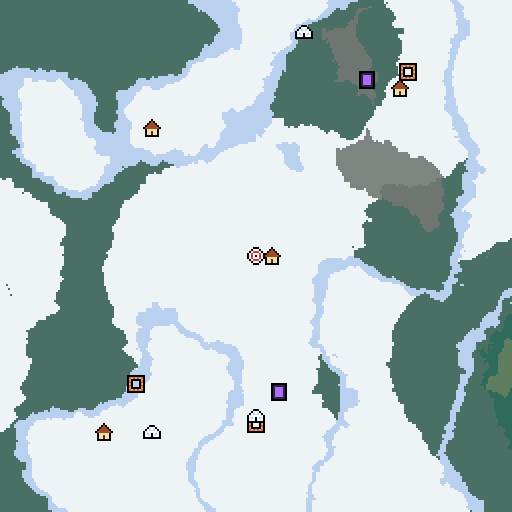
Find any biome in your Minecraft world. Enter your seed, pick a biome and jump straight to the nearest one with exact X and Z coordinates, including cave biomes like Lush Caves and the Deep Dark.
- Java 1.18 to 1.21
- Caves and any height
- Nether and End
- Slime chunks
Maps are generated in your browser with cubiomes (MIT, © Cubitect). Java Edition only.
Frequently asked questions
How do I find a biome in Minecraft?
Enter your seed, choose the biome under Find nearest and press Find. The map jumps to the closest one to where you are looking and shows its X and Z coordinates. Travel there, or use /tp with cheats on.
How do I find my world's seed?
In Java Edition, type /seed in chat. It works in single player even with cheats off. In Bedrock Edition, the seed is shown in the world settings. Full guide: how to find your seed.
Can it find cave biomes?
Yes: Lush Caves, Dripstone Caves and the Deep Dark are in the list and are searched at a typical depth. Slide Height down to see them on the map.
Can I see every place a biome appears?
Pick the biome under Highlight a biome. Everything else fades out, so you can spot every Cherry Grove or Mushroom Fields island at a glance.
Does the biome finder work on Bedrock?
Yes for biomes: the same seed gives the same biomes on Java and Bedrock. Structures are the only thing placed differently.
Want a head start? Browse our best Minecraft seeds for Java and Bedrock, each one checked on the real game.